Liquid Glass for the web: React, Vue, Svelte, plain HTML
<liquid-glass> is one custom element, so it works in any framework or none. What you put inside stays
ordinary HTML: focusable, selectable, read by assistive technology. The glass is drawn behind it.
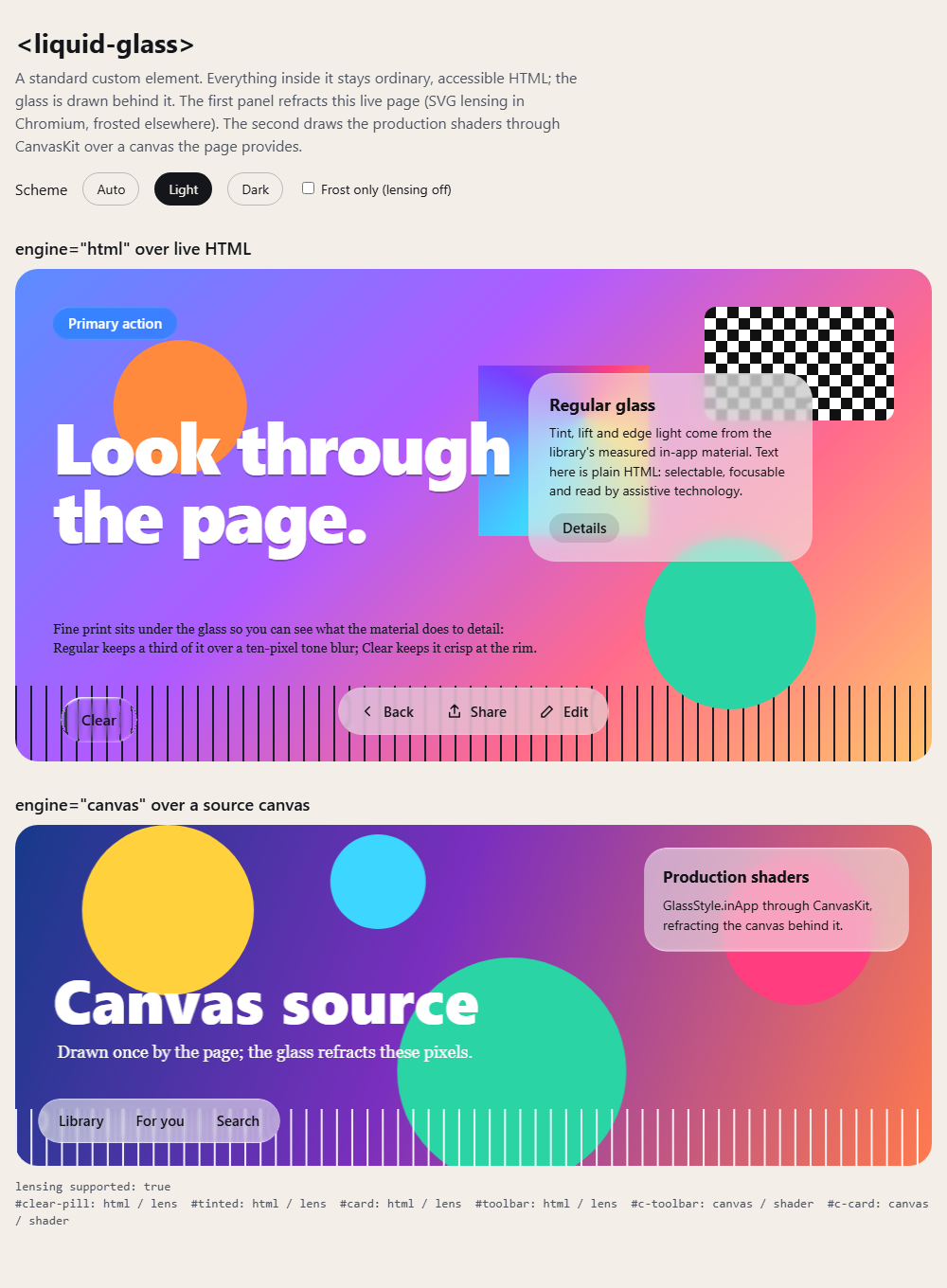
Our render: the example in headless Chromium, light scheme.
In React, Vue or Svelte, use it like any element: <liquid-glass variant="clear">…</liquid-glass>.
- HTML engine (default): refracts the live page behind the element in Chromium (Chrome, Edge, Opera, Electron) and frosts it in Firefox and Safari.
- Canvas engine (
engine="canvas"): the production shaders, unchanged, over an image, canvas or video you give it. - Compose for web: the full library also runs in the browser through Compose Multiplatform's Wasm target. Live demo.
Next: the web component guide · Limitations